How to Switch into the New Experience
- Log into your account on Web and switch into your Multi-Channel Workspace
- From the top navigation bar you have the option to try our new planning and posting experience by clicking the try Beta icon

- Once you click the link, you will be switched into the new experience
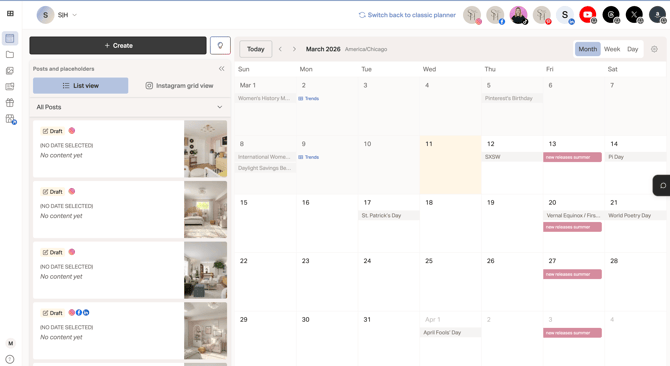
- You can always switch back by clicking the Switch back to classic planner link next to your social channels
How to Create a Post in the New Experience
- Once you have switched into Beta, click on the Create button and New Post
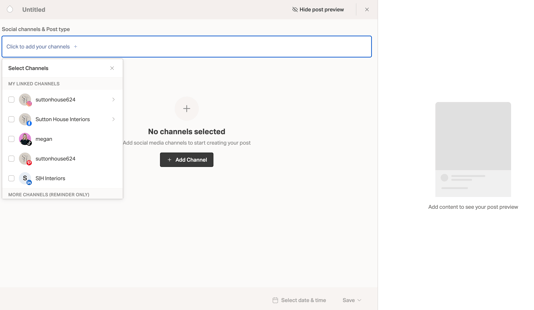
- Select your Channels and the post type
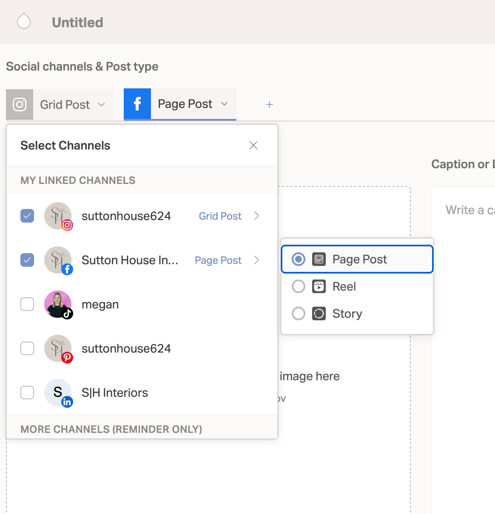
- From here, each social channel has a tab you can click to customize the post content and within the Post Preview on the right, you can use the arrows to move between views
- Upload your media and add your captions
- Click the Additional channel options drop-down to customize further if needed
- Select the date and time, Auto-post or Reminder, and click Save to choose between saving as a Draft, Schedule, or Publish Now.
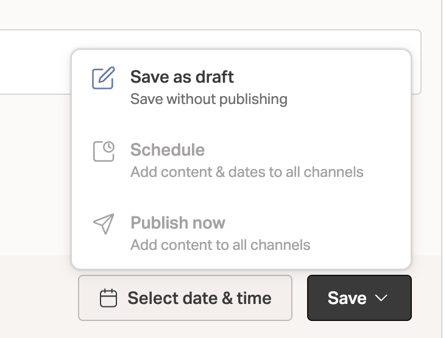
- You're all set!
Updates to Note on your Calendar View
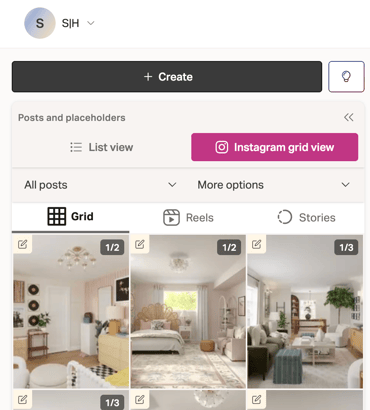
- You have the List View or Instagram Live Grid View
- You can view by post Status
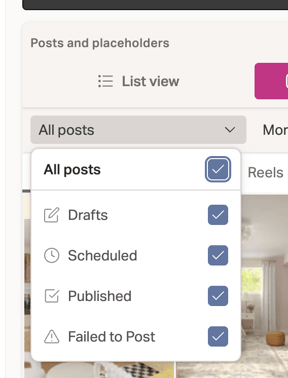
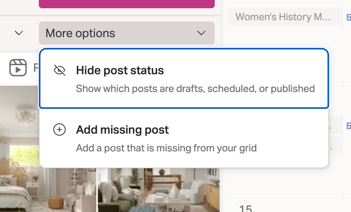
- You can also view your grid without the Post Status or Import a Missing Post